
A set of functions and filters that can be used to manage color palettes.
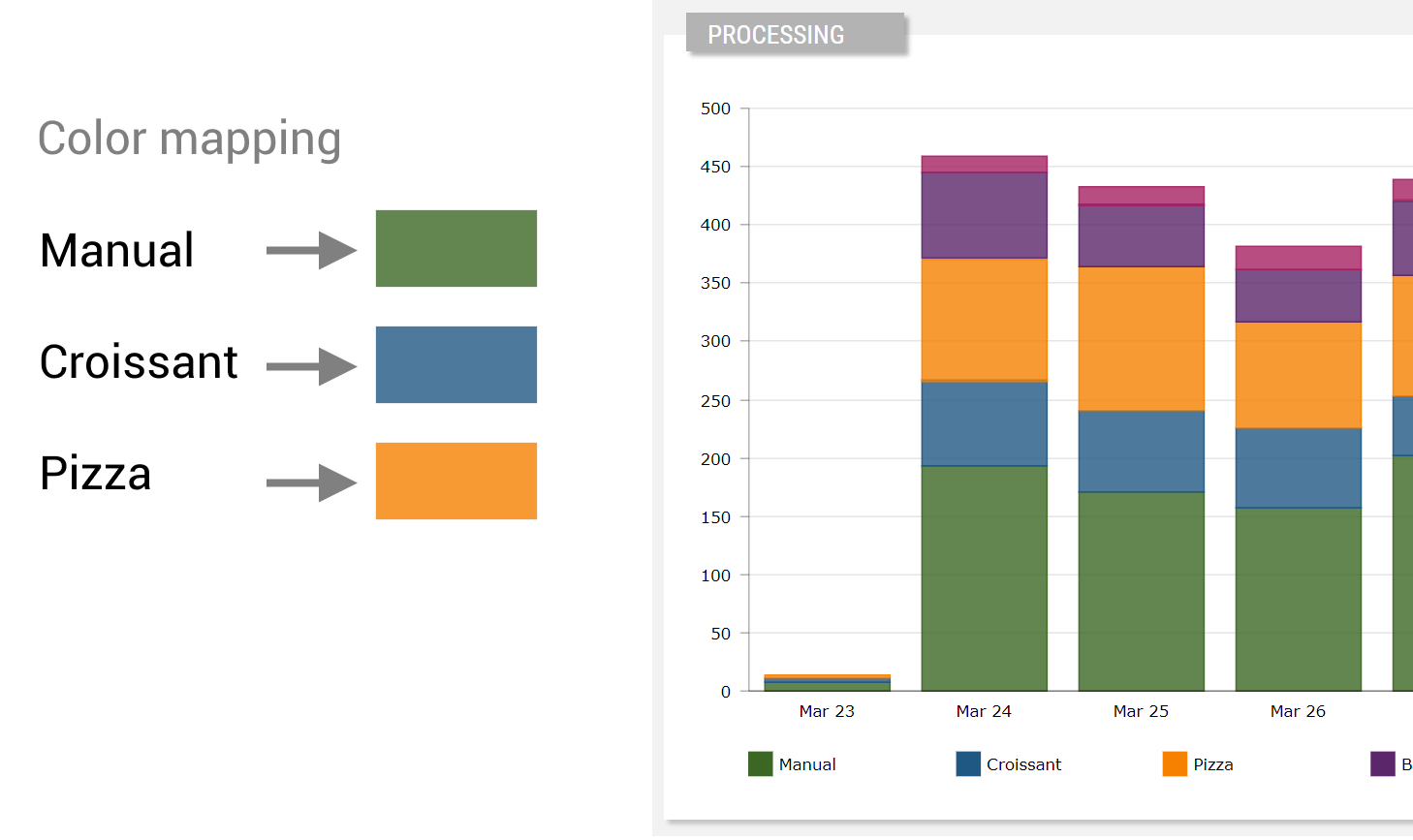
The Servitly color palette mapping can be enriched with new key/color pairs, that can be registered within the filters.js application resource.
registerValueColor("MANUAL", "#638550");
registerValueColor("CROISSANT", "#4C799C");
registerValueColor("PIZZA", "#F89A33");
The color palette is automatically used by filters and widgets to display values and elements with the right color. An example of a filter using the color palette is the Status Badge filter, which displays a value in a color badge.
To get the color for a certain value (ignore case), into your widgets or filters you must use the following function:
let hexColor = new exports.valueColor().transform("WARNING")
Predefined Colors
These are the colors already registered by default:
| VALUE | COLOR |
|---|---|
| ANOMALY | #F39C12 |
| CRITICAL | #DD4B39 |
| EMERGENCY | #FF0000 |
| ERROR | #DD4B39 |
| FAILURE | #DD4B39 |
| INFO | #0094FF |
| INFORMATIONAL | #0094FF |
| NEUTRAL | #000000 |
| NORMAL | #BDBDBD |
| OFFLINE | #A3A3A3 |
| ONLINE | #08B05B |
| READY | #FFD800 |
| STANDBY | #3EC4EC |
| UNREACHABLE | #F39C12 |
| WARMUP | #F39C12 |
| WARNING | #F39C12 |
| WORKING | #08B05B |
Filter Variants
The set of predefined filter variants that can be used to format values.
| valueColor | |
|---|---|
| Returns the registered color code by value. Output Type: COLOR |
WORKING → #08B05B |
Comments
0 comments
Please sign in to leave a comment.